Stardew Valley Multiplayer Guide
Stardew Valley Multiplayer Guide
Introduction
Stardew Valley multiplayer is one of the most rewarding ways to experience the beloved farming simulation RPG created by ConcernedApe. Whether you want to build a shared farm with close friends, divide daily tasks between players, or simply enjoy the peaceful world of Pelican Town together, the cooperative multiplayer mode transforms the solo farming experience into a genuinely social adventure, This Stardew Valley Multiplayer Guide is for you.
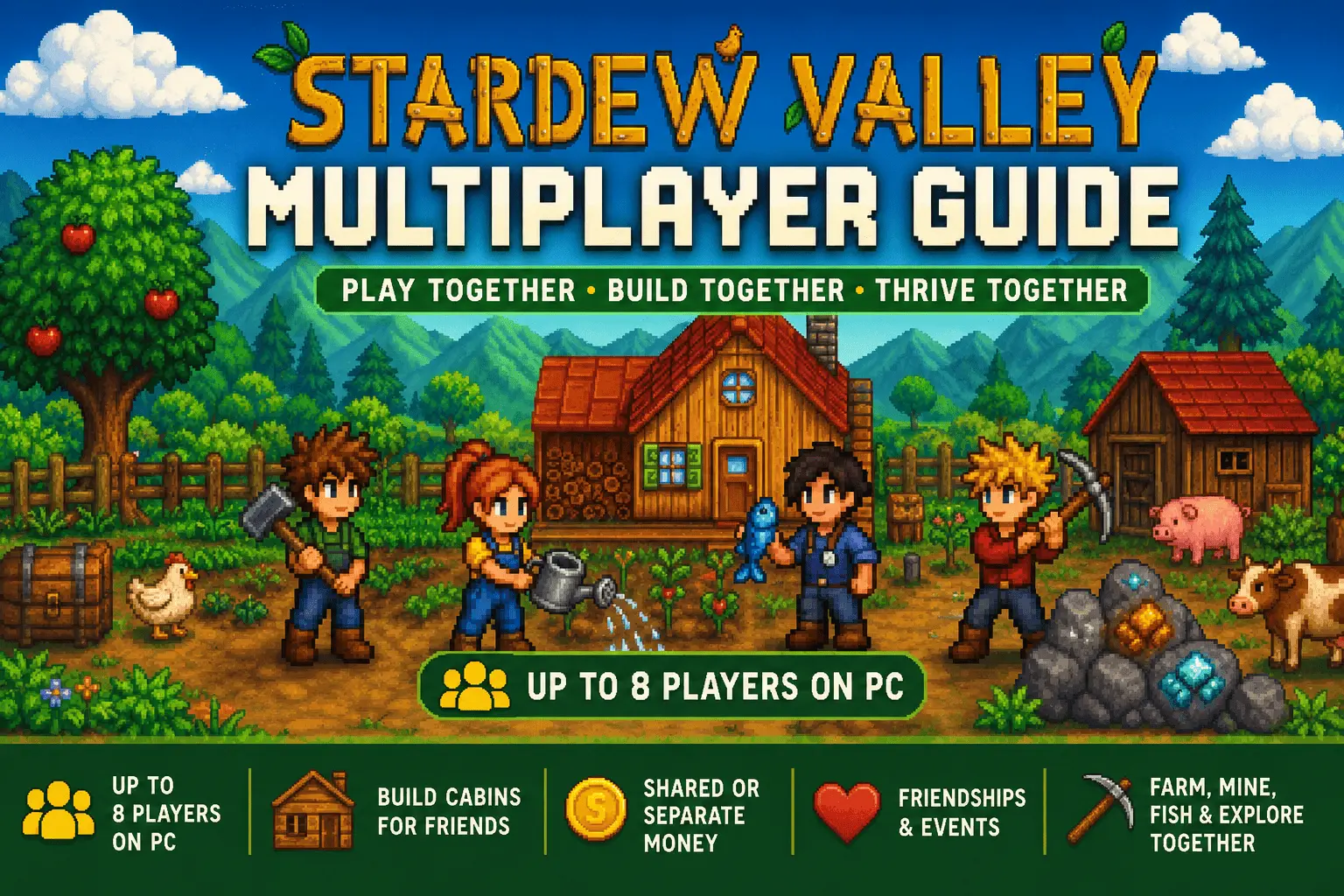
Introduced in the version 1.3 update for PC and later expanded across console, iOS, and Android platforms, Stardew Valley multiplayer allows up to four players on PC and up to eight players in the version 1.6 update to work together on a single shared farm. Each player takes on the role of a farmer, contributing to the same land, sharing resources, completing quests, and building relationships with the residents of Pelican Town as a team.
This guide covers everything you need to know about Stardew Valley multiplayer, from setting up your first co-op session and understanding how shared farms work, to advanced strategies for dividing roles efficiently and maximizing farm income as a group.
What Is Stardew Valley Multiplayer Guide?
Stardew Valley multiplayer is a cooperative game mode where two or more players share a single farm in Pelican Town. Unlike competitive multiplayer games, there are no opposing teams or elimination mechanics. Every player works toward the same goals, contributing to farm growth, community center restoration, mine exploration, and relationship building with villagers.
The host player creates or loads a save file and invites other players to join as farmhands. Farmhands live in individual cabins placed on the shared farm, each with their own inventory, skills, relationships, and money. The farm itself, along with its buildings, crops, and animals, is shared between all players, though each participant can also maintain their own personal finances and friendship levels independently.
🎮 Multiplayer Features
Enjoy Stardew Valley with friends by farming, mining, fishing, and building together using powerful multiplayer features available across supported platforms.
Up to 8 Players
Play with up to 8 players on PC and build your dream farm together.
Multiple Ways to Play
Supports Online Co-op, LAN, and Split-Screen for flexible multiplayer sessions.
Personal Progress
Every player has their own inventory, skills, tools, quests, and achievements.
Money Options
Choose between a shared wallet or separate money for independent progression.
Community Center
Work together to complete bundles and restore the Community Center faster.
Player Cabins
Build additional cabins so every friend has their own place to live.
Real-Time Farming
Plant crops, raise animals, fish, and explore the world together in real time.
Better Teamwork
Assign different roles like farming, mining, fishing, and combat for faster progression.
🎮 How to Set Up Multiplayer in Stardew Valley
Create a multiplayer farm, invite your friends, and start building your dream farm together using online, LAN, or local network connections.
🌾 Starting a New Co-op Farm
Select Co-op from the main menu instead of New Game. This opens the multiplayer farm creation screen where you choose your farm layout, character, farm name, and game settings before hosting the world.
During setup, place Cabins on your farm. Every cabin reserves one slot for another player. PC players can prepare multiple cabins before starting so friends can join immediately.
🤝 Inviting Friends to Your Farm
Once your farm is ready, invite friends using one of the supported multiplayer connection methods.
🚂 Steam Invite
Open the Multiplayer tab, select Invite Friend, and send an instant invitation through your Steam friends list.
🔑 Online Join Code
Generate a unique join code and share it with friends. They simply enter the code from the Co-op menu to join your farm.
📶 Local Network (LAN)
Players connected to the same Wi-Fi network can join through LAN. This provides a stable connection for local multiplayer sessions.
🏡 Joining an Existing Farm
To join another player’s world, choose Co-op from the main menu and select Join. Connect using a Steam invitation, an online join code, or your local network depending on the host’s settings.
The first time you join a farm, you’ll create your own character and receive a personal cabin while keeping your own inventory, skills, and progression.
🌾 How Multiplayer Works in Stardew Valley
Understand how Stardew Valley multiplayer shares the farm while allowing every player to maintain their own skills, relationships, inventory, and gameplay progression.
Shared Farm Structure
The entire farm is shared between every player, including crops, buildings, barns, coops, animals, storage, and Community Center progress. Everyone can contribute by planting crops, watering fields, harvesting produce, caring for animals, or expanding the farm.
Farm upgrades purchased from Robin, new buildings, and overall farm development benefit the entire group, making teamwork the fastest way to grow your farm.
Individual Player Systems
Although the farm is shared, each player keeps their own inventory, gold, friendships, skill levels, quests, and relationship progress with Pelican Town villagers.
Players level up independently based on their activities. One player can focus on fishing while another mines, farms, or explores caves without affecting each other’s experience progression.
Time & Sleep System
The in-game day ends only after every active player goes to sleep. Players who finish early simply wait while others continue farming, mining, or exploring until they are ready.
If players remain awake until 2:00 AM, they pass out just like in single-player mode. Energy and stamina are managed separately, so each player must eat food and recover independently.
Money & Economy
Players earn gold from selling their own harvested items and resources. Farm purchases such as seeds, animals, or construction projects are paid using the buyer’s available funds.
Teams can cooperate by sharing expenses, dividing responsibilities, or giving gold to one another when needed to fund major farm upgrades.
👥 Multiplayer Roles & Division of Labor
One of the biggest advantages of Stardew Valley multiplayer is dividing daily responsibilities among your team. Assigning specific roles helps everyone stay productive, earn more gold, and develop the farm much faster than playing alone.
The Farmer
Focuses on planting, watering, and harvesting seasonal crops to maximize farm income. Once sprinklers are unlocked, this role becomes more efficient and can assist with other activities around the farm.
Best for Crop ManagementThe Miner
Explores the mines to collect ores, gems, coal, and minerals. These resources are essential for crafting, upgrading tools, and unlocking better equipment for the entire team.
Best for ResourcesForager & Fisher
Collects seasonal forage items while fishing in rivers, lakes, and the ocean. This role generates consistent early-game income and supplies useful food and crafting materials.
Best for Early GoldAnimal Caretaker
Looks after barn and coop animals by feeding, petting, and processing milk, eggs, and wool into valuable artisan goods like cheese and mayonnaise.
Best for Artisan GoodsRelationship Builder
Builds friendships with villagers by giving gifts, completing requests, and attending festivals to unlock heart events, recipes, rewards, and unique storylines.
Best for Social ProgressTeam Strategy
The most successful multiplayer farms assign each player a primary responsibility while helping teammates during busy seasons, mine runs, and festival events.
Maximum Efficiency🚀 Stardew Valley 1.6 Multiplayer Expansion
Version 1.6 introduced the biggest multiplayer improvements in Stardew Valley, making cooperative farming smoother, larger, and more enjoyable than ever before.
Play Together Like Never Before
The Stardew Valley 1.6 update expanded multiplayer by increasing the maximum player count on PC from 4 to 8 players. Along with larger co-op farms, the update introduced better multiplayer performance, improved resource management, and a brand-new farm layout designed specifically for teamwork.
8-Player Co-op
Create larger multiplayer farms with up to eight players working together on the same world.
Improved Stability
Enjoy smoother online sessions with improved multiplayer synchronization and fewer connection issues.
Shared Farm Events
Participate together in new multiplayer-friendly events and activities across the farm.
Inventory Improvements
Share resources and organize items more efficiently with updated inventory management features.
Meadowlands Farm
The new Meadowlands Farm starts with blue grass that animals love, making livestock management more rewarding.
Better Teamwork
All improvements encourage stronger cooperation, faster progression, and a more enjoyable multiplayer experience.
📱 Multiplayer on Mobile & Android
Play Stardew Valley multiplayer on Android using a local Wi-Fi connection. Follow the setup steps below and enjoy cooperative farming with friends on supported mobile devices.
⚙️ Multiplayer Setup
Connect all devices to the same Wi-Fi network before starting multiplayer.
Open Stardew Valley and access the Co-op option from the title screen.
Create or load a farm and start the multiplayer session as the host.
Share the host device’s local IP address with other players.
Friends enter the IP address from the Join Co-op menu to connect.
🌐 Local Network Multiplayer
Android multiplayer works through a shared local Wi-Fi connection. One player hosts the farm while other players connect using the host device’s local IP address. A stable network helps maintain smooth gameplay.
⚡ Performance Tips
Use updated devices with reliable hardware and a strong Wi-Fi connection. Better performance reduces lag and keeps the multiplayer world synchronized for everyone.
🖥️ Cross-Platform Limits
Stardew Valley multiplayer support varies between PC, PlayStation, Xbox, Nintendo Switch, and Mobile. Players using the same platform and compatible network setup will have the best multiplayer experience.
🎮 How Friends Join
Stardew Valley supports several multiplayer connection methods depending on your platform. Choose the option available on your device to join friends and start farming together.
PC
- ✔ Steam Friend Invite
- ✔ Invite Code
- ✔ LAN Multiplayer
- ✔ IP Address Connection
PlayStation
- ✔ Online Multiplayer (Subscription Required)
- ✔ Local Split-Screen
Xbox
- ✔ Online Multiplayer
- ✔ Split-Screen Co-op
Nintendo Switch
- ✔ Nintendo Switch Online
- ✔ Local Wireless
- ✔ Split-Screen (Platform Limits Apply)
Mobile
- ✔ Experimental Multiplayer
- ✔ Local Network Setup
- ✔ Additional Configuration Required
Tips for a Successful Multiplayer Farm
Plan Crops Together
Communicate crop planning before each season begins. Agree on which crops to plant, seed quantities, and field space allocation before spring, summer, fall, or winter starts. Organized planning prevents wasted gold on crops that expire before harvest.
Complete Community Center Bundles
Prioritize community center bundles early because they unlock important farm improvements like the greenhouse. Sharing bundle contributions between players makes progress faster and helps unlock year-round farming sooner.
Upgrade Farmhouse First
Upgrade the farmhouse kitchen before adding extra cabins. Cooking provides valuable meals that restore energy, allowing every player to work longer during farming, mining, and exploration activities.
Install Sprinklers Early
Set up sprinklers as soon as possible. Basic sprinklers water four tiles, quality sprinklers cover eight tiles, and iridium sprinklers water twenty-four tiles automatically every morning, saving valuable farming time.
Coordinate Tool Upgrades
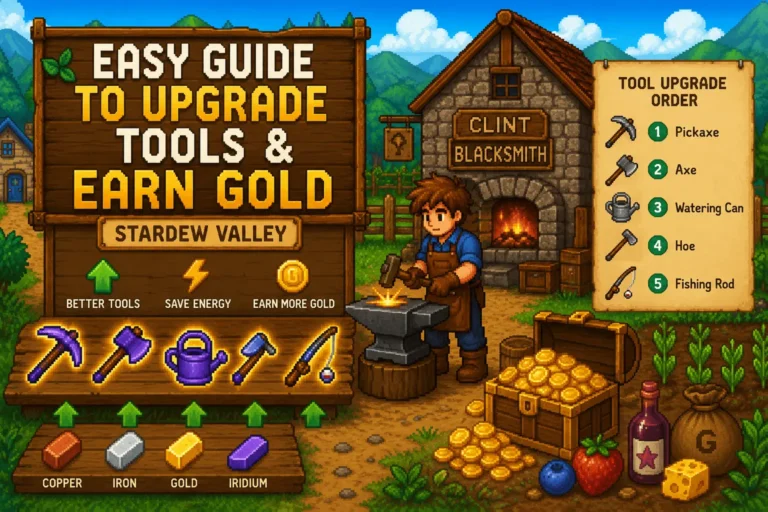
Plan tool upgrades with Clint carefully. Since upgraded tools are unavailable for two in-game days, avoid upgrading important tools like watering cans and pickaxes at the same time.
Create Shared Storage
Place labeled chests near the farmhouse entrance for shared materials such as wood, stone, coal, and ores. Organized storage prevents resource shortages and helps players complete crafting and construction tasks quickly.
Best Team Roles
Assigning specific roles helps avoid wasted time and makes multiplayer farming more efficient.
Farming
Manage crops, plant seasonal seeds, maintain sprinklers, and handle daily farm production.
Player 1Mining
Explore mines, collect ores, gather resources, and provide materials for upgrades and crafting.
Player 2Fishing
Catch valuable fish, complete collections, and provide extra income for farm improvements.
Player 3Foraging & Animals
Collect wild items, care for animals, gather resources, and support daily farm activities.
Player 4Common Multiplayer Problems
Quick solutions for connection issues and co-op problems in Stardew Valley multiplayer.
Friends Can’t Join
- Make sure every player uses the same game version.
- Start the farm save using Co-op mode.
- Check that enough cabins are available.
- Review firewall or internet settings for direct connections.
Invite Code Not Working
- Restart the game and reconnect.
- Confirm the host player is online.
- Create a fresh invite code.
- Update Stardew Valley to the latest version.
Common Multiplayer Questions
Conclusion
Stardew Valley multiplayer transforms one of the most relaxing farming simulation RPGs ever created into a genuinely rewarding cooperative adventure. Whether you are dividing farm responsibilities between players, exploring the mines together, completing Community Center bundles, or enjoying seasonal festivals in Pelican Town, co-op mode adds meaningful depth to every part of the experience.
The version 1.6 expansion, support for larger multiplayer groups, improved connection stability, and the addition of the Meadowlands Farm layout show that ConcernedApe continues improving the multiplayer experience. Whether you play on PC, console, or Android through compatible local connections, Stardew Valley multiplayer remains one of the best cooperative farming experiences available today.